
How to verify a peptide certificate at the laboratory that issued it
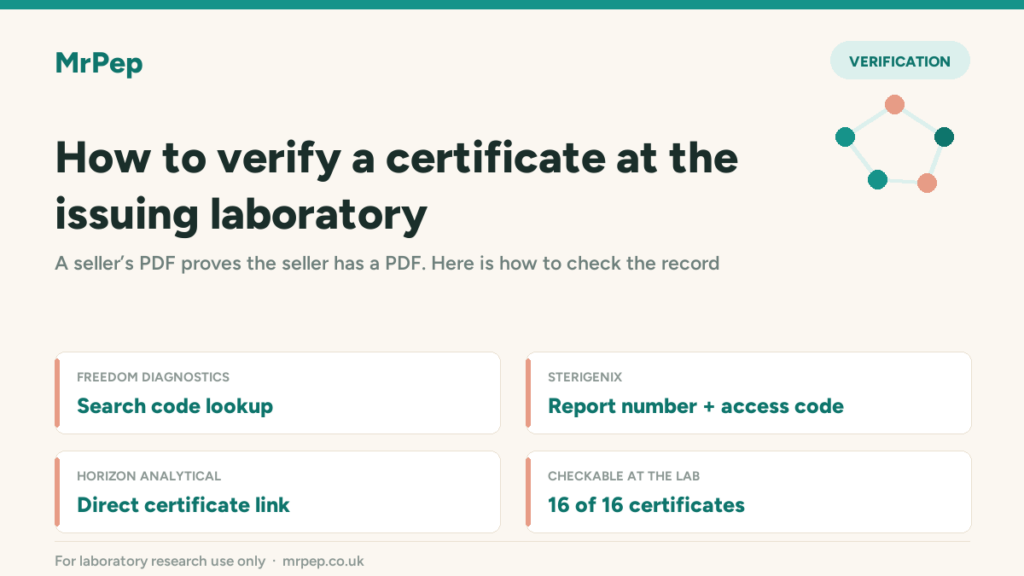
A certificate of analysis hosted by the supplier proves that the supplier has a PDF. Checking that same certificate at the laboratory that issued it proves something rather stronger. Most analytical laboratories now offer a way to do exactly that, and it takes under a minute.
Why the supplier’s copy is not enough on its own
A PDF can be edited. Purity figures can be raised, dates moved, a logo borrowed from a laboratory that never saw the sample. None of that requires much skill. The defence is not a prettier certificate — it is a second, independent copy of the same document held by someone with no interest in the outcome.
That is what a laboratory lookup gives you. You are no longer reading the seller’s file; you are reading the laboratory’s record.
The three formats you will meet
A search code
Freedom Diagnostics print a field labelled Search Code in the table at the top right of the certificate. It is the first four characters of the client’s company name followed by the accession number — Rock2607140086, for instance. Enter it into the laboratory’s certificate lookup and the record comes back. Codes are not case-sensitive; remove any spaces.
A report number and access code
SteriGenix issue a report number in the form RPT-2026-868808 together with an access code such as SGX-CLT-2026-0819-X60, usually alongside a QR code on the final page. The report number resolves to a page on the laboratory’s own domain.
A direct certificate link
Horizon Analytical issue no typeable code. Their certificates carry a QR labelled Scan to Validate, which resolves to a permanent URL serving the certificate from the laboratory’s own server. There is nothing to type — the link either returns the document or it does not.
What to check once the record loads
Retrieving a certificate is not the same as retrieving the right certificate. Compare four things against the copy you were given:
- Compound and strength. A certificate for a 5 mg vial does not cover a 10 mg one, and a certificate for one component does not cover a blend.
- Lot or batch number. This is the line that ties the document to physical material.
- Date of analysis. An old certificate is not invalid, but it describes the batch tested then, not necessarily the one in front of you.
- The figures themselves. Purity, and net content where reported, should match exactly.
What a failed lookup actually means
A code that returns nothing is worth a question, not an accusation. Older certificates are sometimes withdrawn from public lookup, and clerical errors happen. What should concern you is a supplier who cannot say which laboratory issued a certificate, or who declines to provide the code at all.
How MrPep publishes this
Every certificate MrPep holds carries either a verification code or a direct laboratory link, shown on the product page and collected in the full certificate record. Where a laboratory offers a lookup, the code is printed next to the result so it can be checked without asking us for anything.
For laboratory research use only. Not for human or animal consumption; not a medicine, food, supplement or cosmetic.
See how our compounds are tested
Independent HPLC purity and Mass Spec identity data, published per compound.